YouTube chapter generator
YouTube shows chapters when the description holds a timestamp list that starts at 0:00, has at least three entries, and gives each chapter 10 seconds or more. Type your segments and their lengths below and copy the finished list.
 PodcastDraft In your browser now
Plan the episode in segments and get this list from the take itself, timed to the second.
- Every segment and sponsor break timed
- A clock that keeps pace while you record
- A chapter list ready when you stop
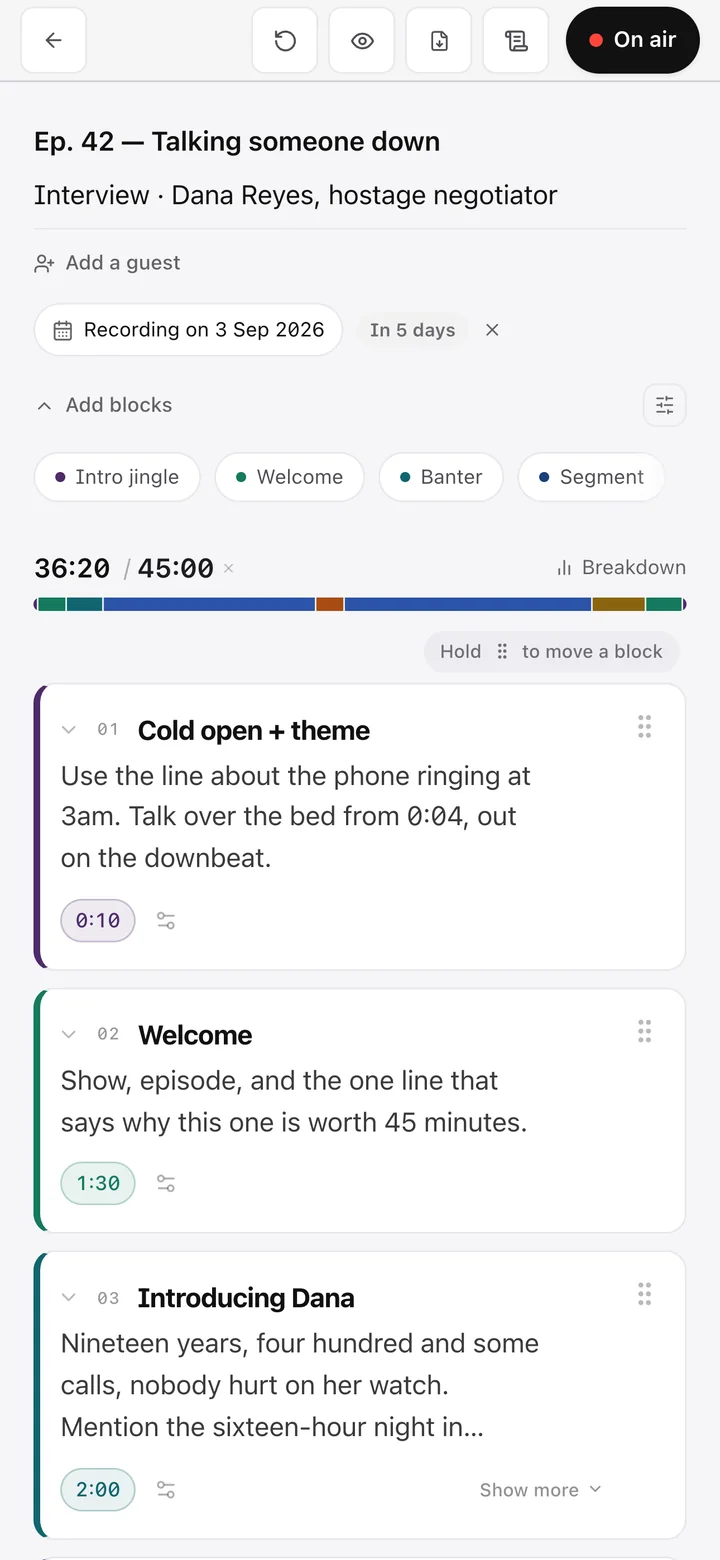
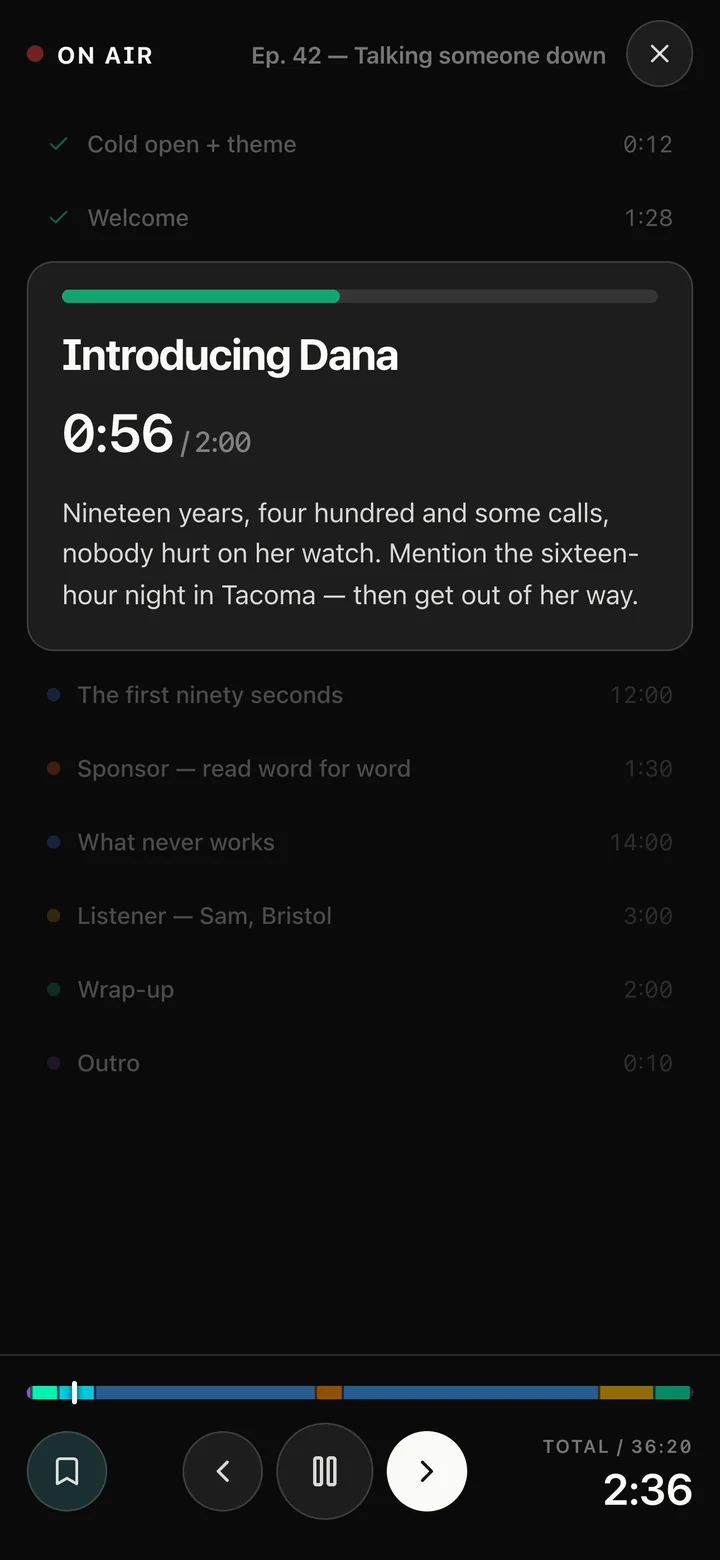
See it in 21 seconds.
List your segments and lengths, then copy a chapter list YouTube accepts. On YouTube
00:01The rules
What YouTube needs before it shows chapters.
- The first timestamp is 0:00. A list that starts at 0:15 is ignored.
- At least three timestamps, in ascending order.
- Every chapter lasts 10 seconds or longer. One short chapter hides them all.
- Timestamp first, then the title: “12:30 The first job”. No bullets or brackets in front.
- Videos over an hour use h:mm:ss from the first hour mark onwards.
Questions.
Asked about YouTube chapters.
How do I add chapters to a YouTube video?+
Put a list of timestamps and titles in the video description, one per line, starting with 0:00. YouTube turns the list into chapters on the progress bar by itself.
Why are my YouTube chapters not showing?+
Three rules decide it, and breaking any one hides the whole list: the first timestamp must be 0:00, there must be at least three timestamps in ascending order, and every chapter must be at least 10 seconds long.
What format do YouTube timestamps use?+
Minutes and seconds like 4:05, or hours, minutes and seconds like 1:04:05 for videos over an hour. Put the timestamp first, then a space, then the chapter title.
Do chapters work for podcast episodes too?+
Yes. The same list works in the description of a video podcast on YouTube, and Spotify and Apple Podcasts also make timestamps in episode notes tappable.
Does this tool keep what I type?+
No. The list is built in your browser and never sent anywhere.
More free tools.
No sign-up. Nothing leaves your browser.