Presentation timer
Set the length of your slot and when you want the wrap-up warning. The clock is green while you have time, amber when it is time to close, and red when you are over.
 SpeechDraft
A timer tells you that you are late. A plan tells you where.
- Every section gets its own length
- The total shows if you fit your slot
- Cue cards or a teleprompter on the day
Free to start. Pro is $9.99, once. 14-day refund in the browser.
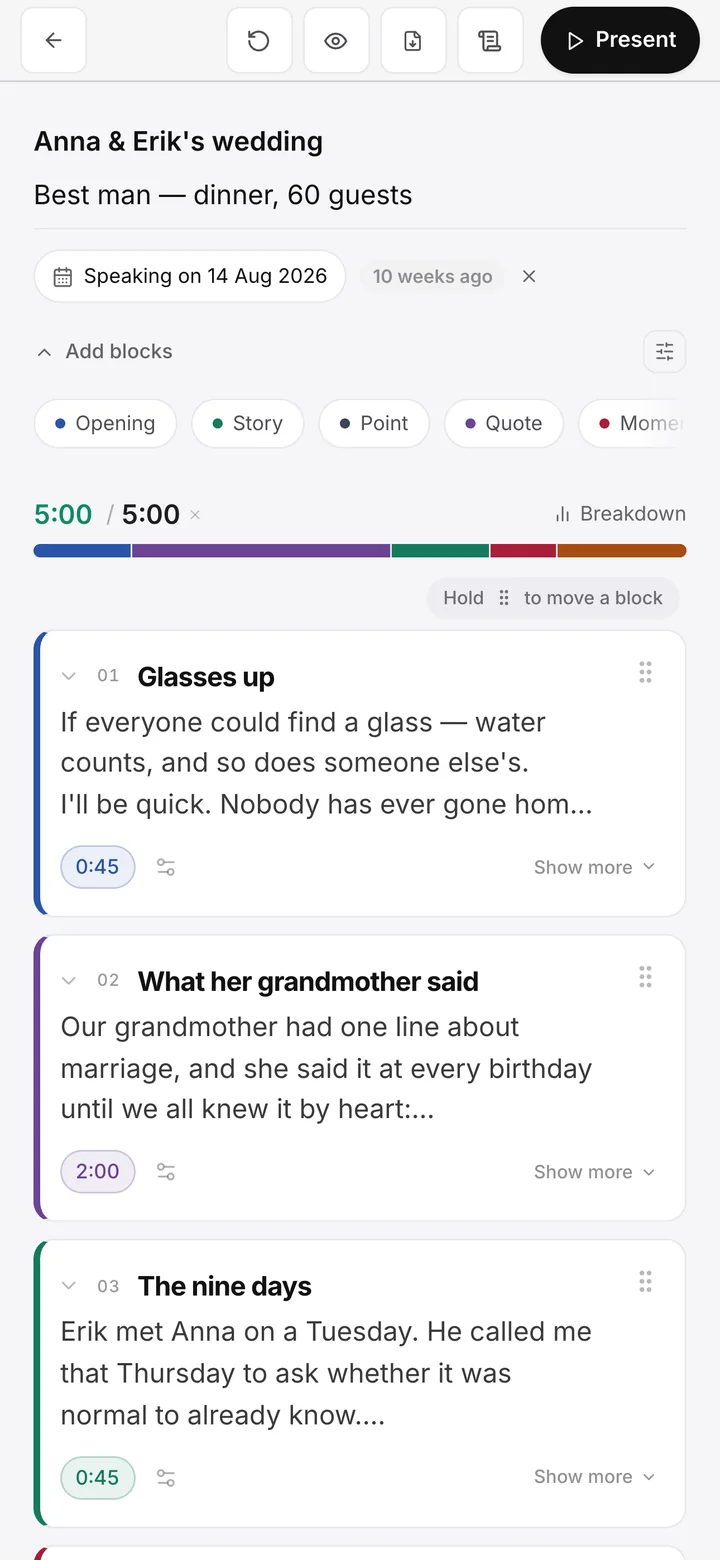
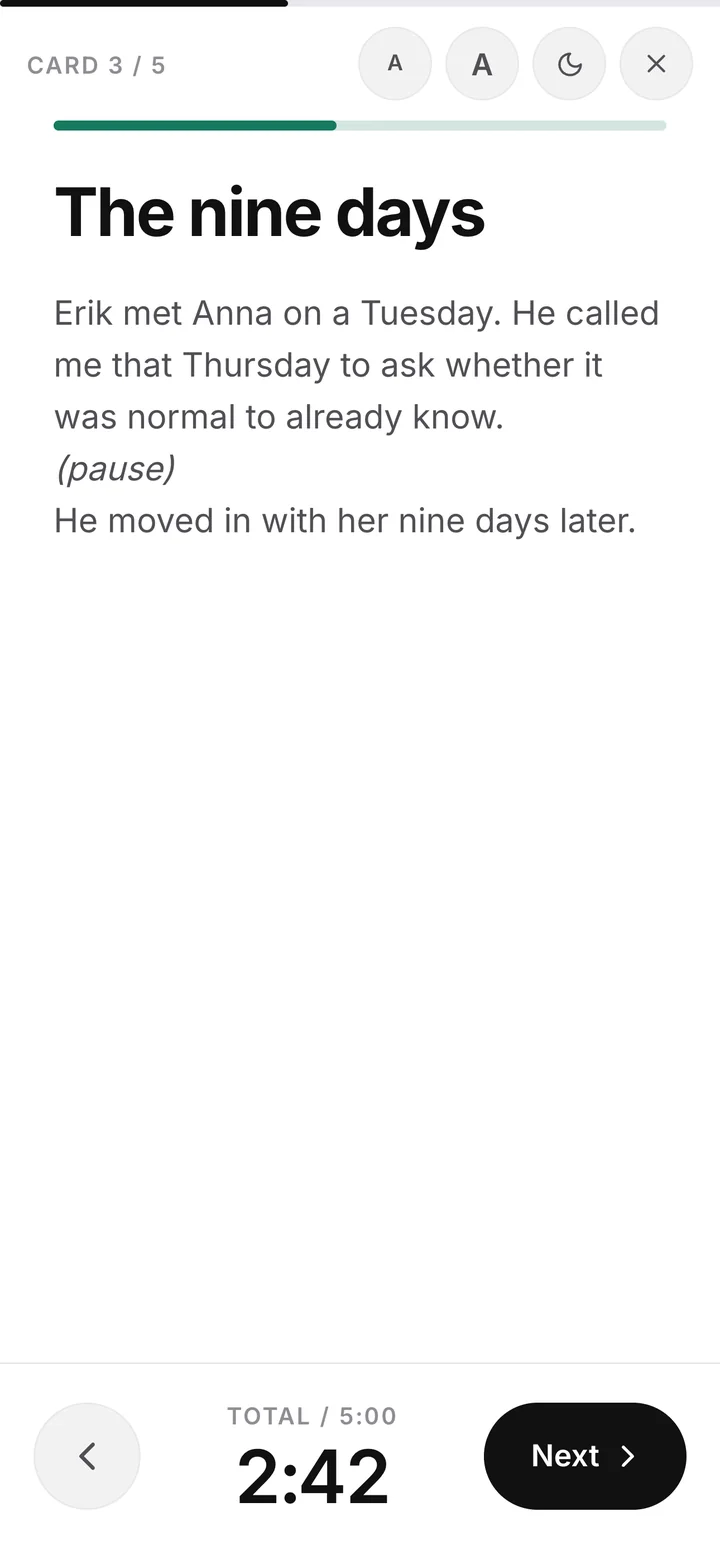
See it in 18 seconds.
Green while you have time, amber at the warning, red when you are over. On YouTube
00:01Splitting the time
How to spend a slot of each length.
A rule that holds at any length: about a tenth to open, a tenth to close, and the rest in three parts.
| Slot | Opening | Middle | Closing | Warning at | Words |
|---|---|---|---|---|---|
| 5 minutes | 0:45 | 3 points × 1:10 | 0:45 | 1 min left | About 650 |
| 10 minutes | 1:30 | 3 points × 2:30 | 1:00 | 2 min left | About 1,300 |
| 15 minutes | 2:00 | 3 points × 3:40 | 2:00 | 2 min left | About 1,950 |
| 20 minutes | 2:00 | 3 points × 5:20 | 2:00 | 3 min left | About 2,600 |
| 45 minutes | 4:00 | 4 parts × 9:00 | 5:00 | 5 min left | About 5,800 |
Outlines with the timings already set: conference talk, keynote, sales presentation, investor pitch.
Questions.
Asked about timing a talk.
How do I time a presentation?+
Set a countdown for the length of your slot and a warning a couple of minutes before the end. Put it where you can see it without turning your head, start it when you say your first word, and treat the warning as the signal to begin your closing.
What do the colours on a presentation timer mean?+
Green means you have time. Amber means wrap up: on this timer it comes on at the warning you set. Red means your time is over, and the clock starts counting how far over you are.
When should the warning come on?+
Two minutes before the end for a talk of ten minutes or more, one minute for anything shorter. It needs to be long enough to finish your closing without rushing it.
Can I use this timer full screen on a second monitor or tablet?+
Yes. Press Full screen and the clock fills the display, large enough to read from the back of a room. The space bar starts and pauses it.
How do I stop running over time?+
Plan the time before the talk, not during it. Give the opening, each point and the closing its own length, and rehearse aloud against a clock. A timer tells you that you are late; a plan tells you where to cut.
More free tools.
No sign-up. Nothing leaves your browser.